Save the posts to your Photos

Tap a big button, then tap Save Images in the sheet that opens. Everything goes to Photos in one step.

If the button does not open a Save sheet: scroll to the picture, press and hold it, then tap Add to Photos. Save the slides in order, 1 to 7, so they line up when you post.

1. Launch carousel (7 slides)

Slide 1: Meet The Steady Parent
Slide 2: The reality
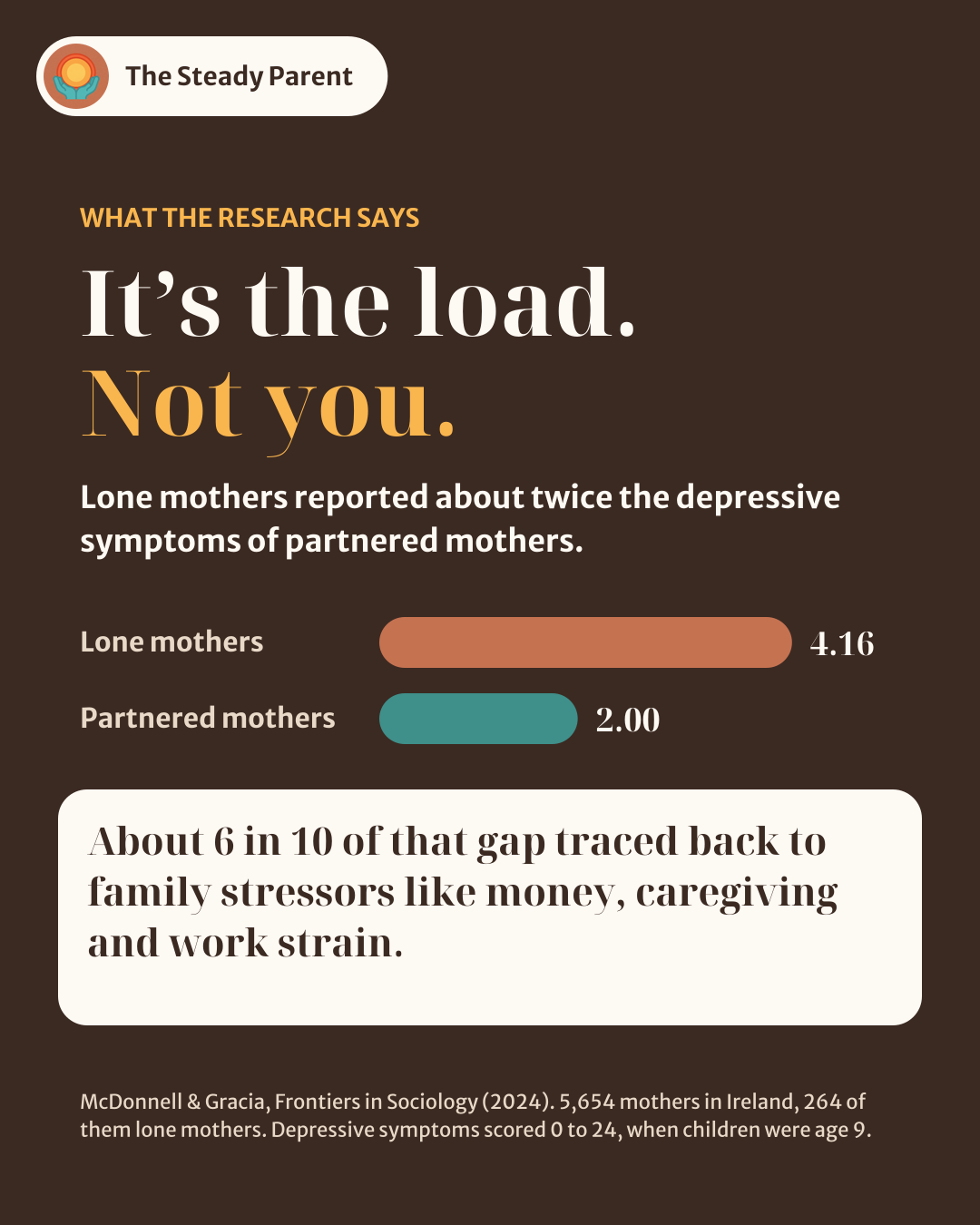
Slide 3: It’s the load, not you
Slide 4: Not a solo sport
Slide 5: Seeing your pattern
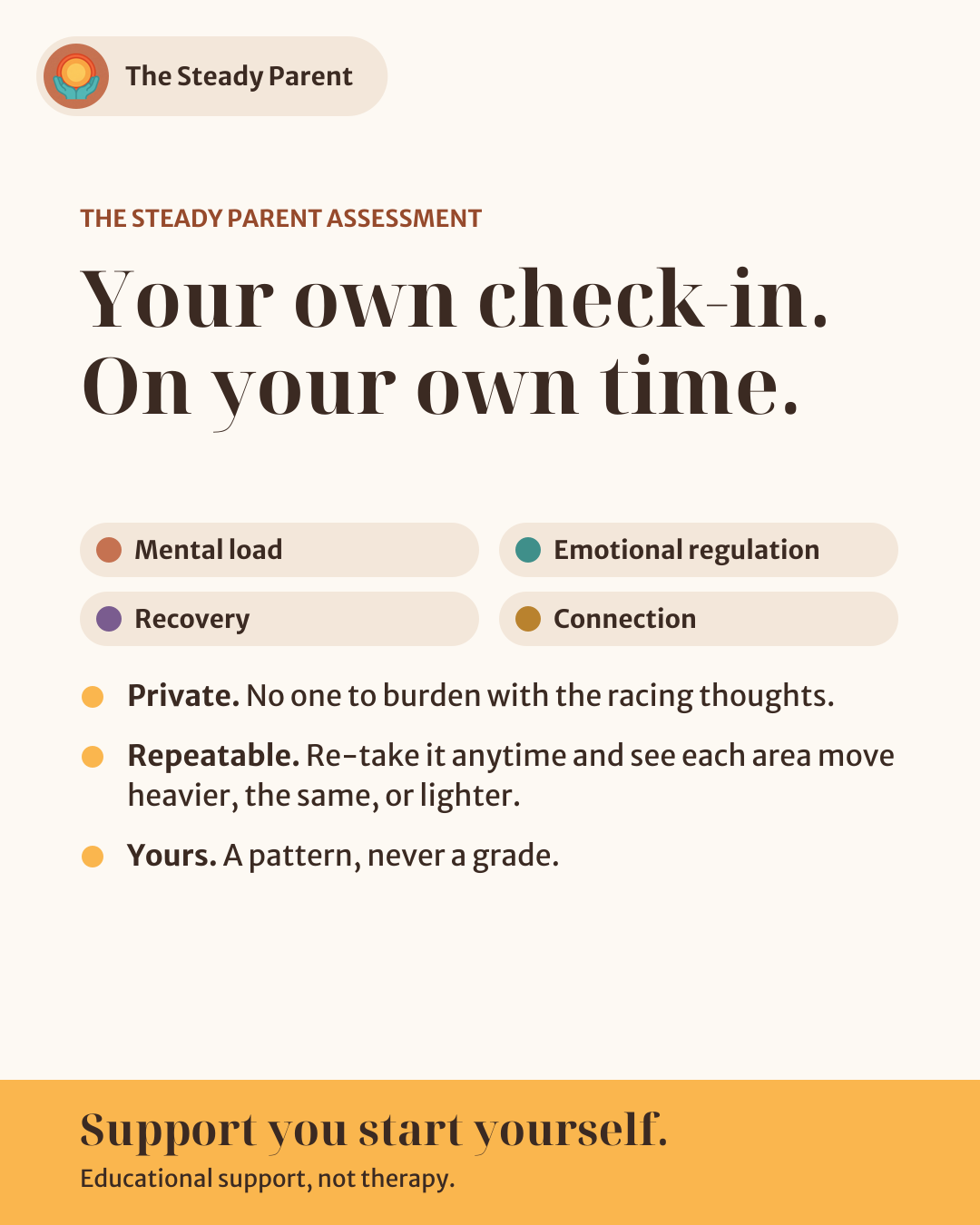
Slide 6: The assessment
Slide 7: Start free
Slide 7: Start free

2. Single posts (3)

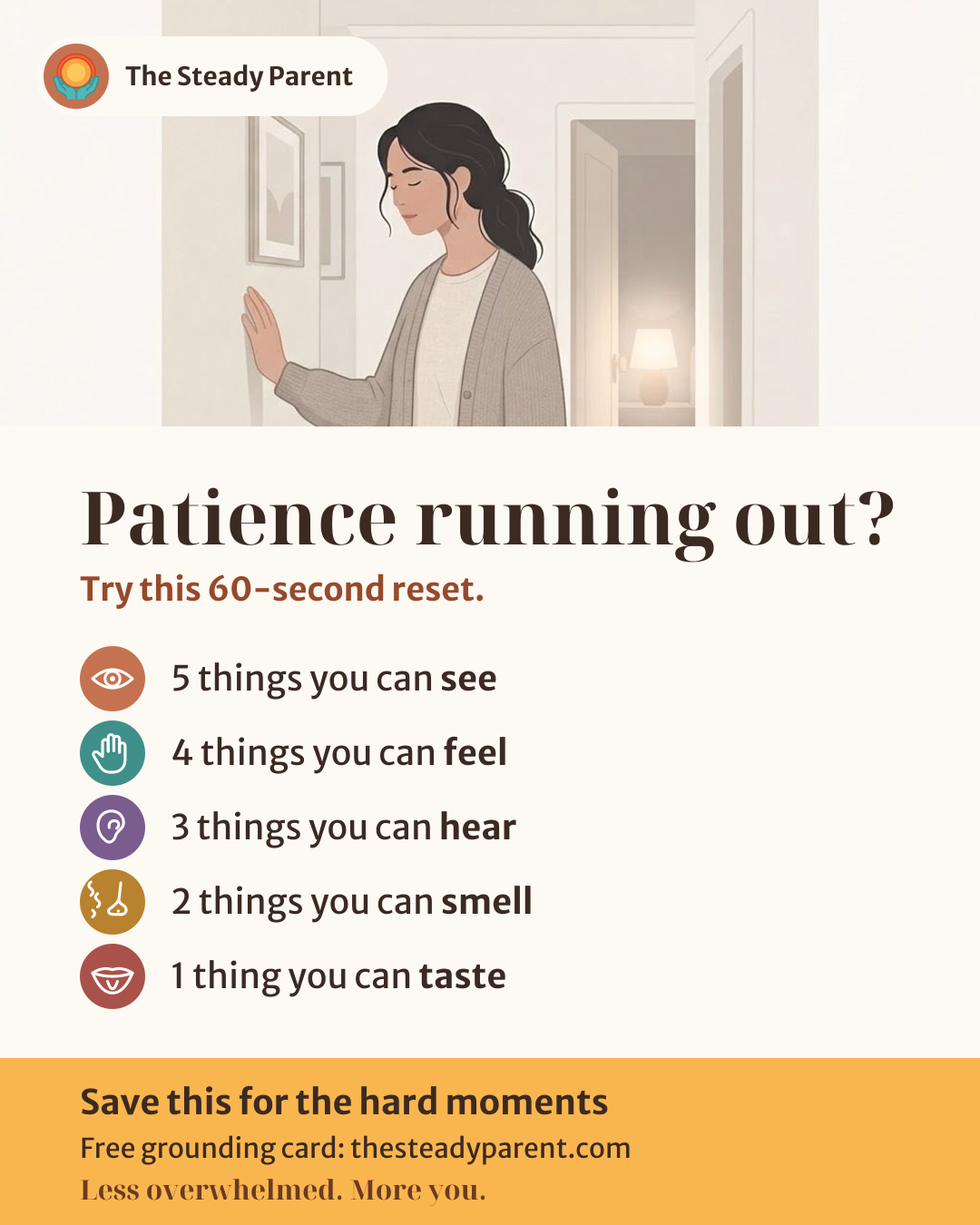
Post 1: Grounding card
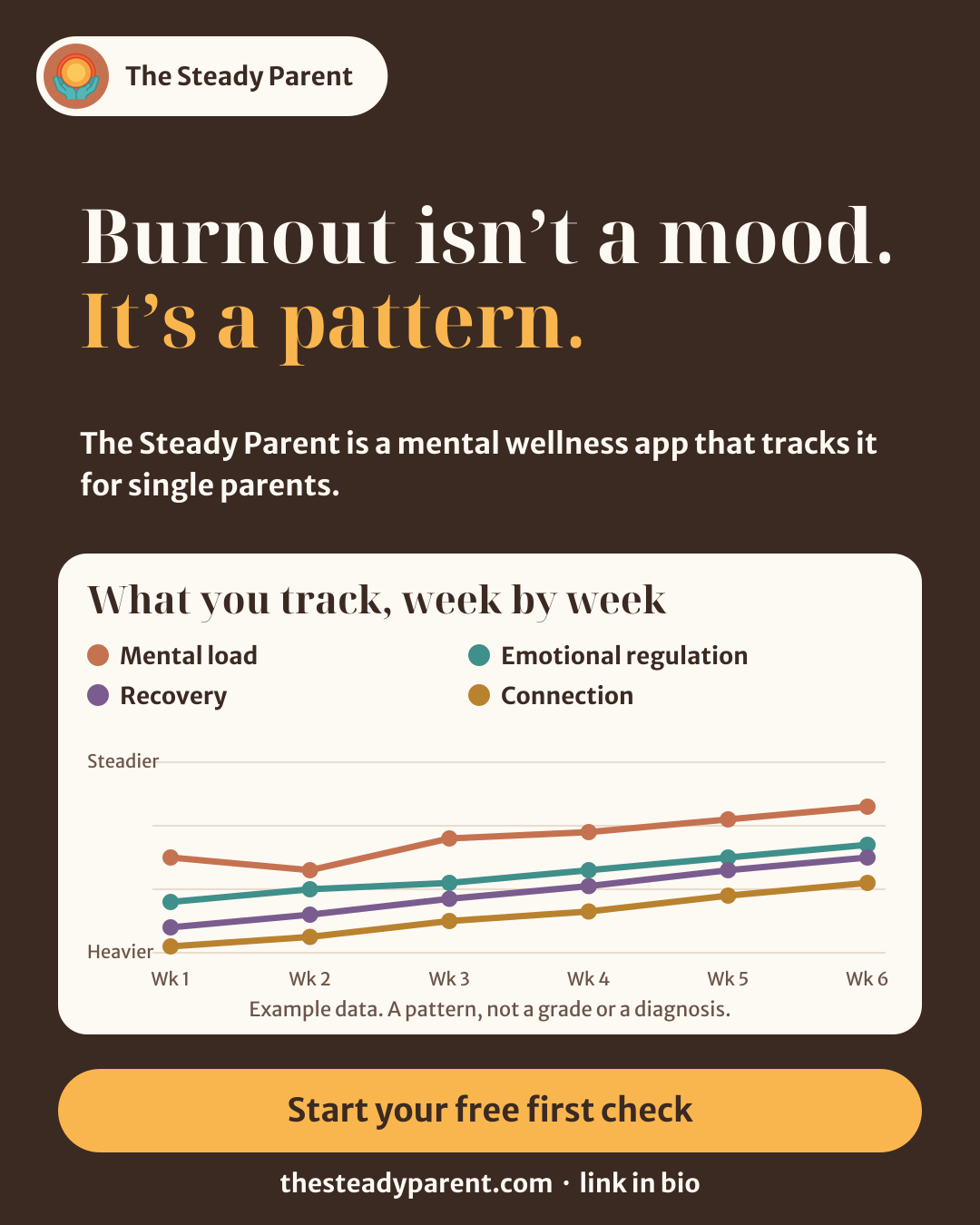
Post 2: What we track
Post 3: Safe Reply
Post 3: Safe Reply